
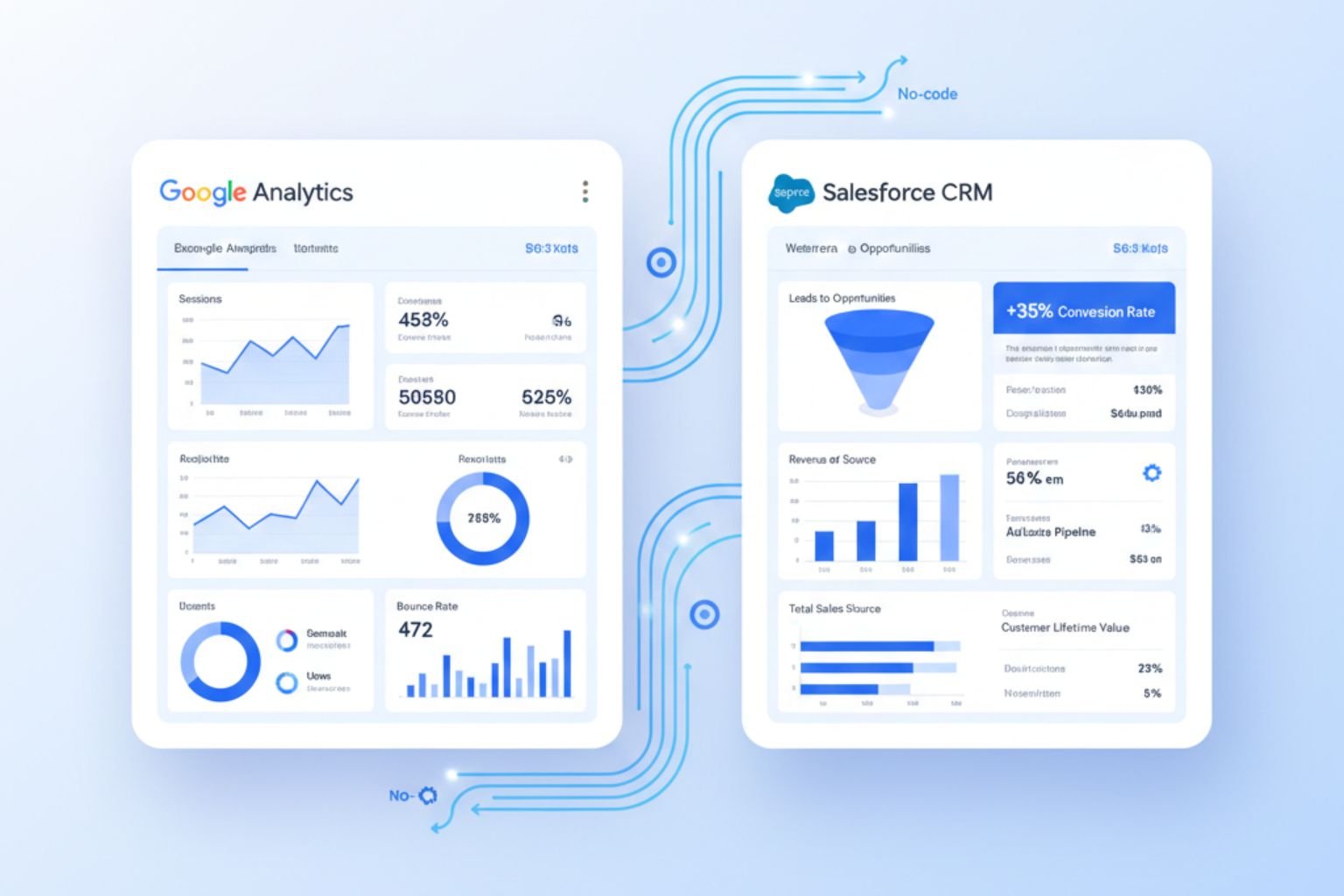
In today’s data-driven business environment, understanding the full customer journey is essential for maximizing ROI. Salesforce captures leads, opportunities, and customer interactions, while Google Analytics tracks website engagement, campaigns, and user behavior. Without proper integration, marketing, sales, and analytics teams operate in silos, making it difficult to align web performance with revenue outcomes. Integrating these platforms allows organizations to tie marketing metrics directly to CRM data, providing a unified view of the customer lifecycle, improving reporting accuracy, and enabling more informed decisions.
If your business needs a Google Analytics Salesforce integration expert to unify website analytics with CRM workflows, partnering with a certified consultant ensures a seamless, scalable, and secure implementation.
Why Google Analytics Salesforce Integration Is Essential
Combining Salesforce with Google Analytics closes the gap between how customers interact with a website and how those interactions translate into revenue. Salesforce manages leads, opportunities, and sales activity, while Google Analytics captures behavior such as page views, form submissions, and campaign engagement. Without integration, these datasets remain separate, limiting visibility into what actually drives conversions.
When marketing data is connected to CRM records, organizations can track the effectiveness of campaigns directly within Salesforce, tying web activity to leads and opportunities rather than relying on surface-level metrics. This makes it easier to understand which channels consistently generate qualified leads, how long prospects engage before converting, and where drop-offs occur in the journey.
Integration also supports more accurate budget decisions. Real-time performance metrics from Google Analytics help teams adjust ad spend based on lead quality and pipeline impact, not just traffic volume. At the same time, shared reporting aligns marketing and sales KPIs, reducing disputes over attribution and ensuring both teams work from the same data set.
Whether implementing a Google Analytics 4 Salesforce integration or connecting Google Analytics 360 with Salesforce Marketing Cloud, a proper setup ensures data is captured, mapped, and reported consistently. This creates a reliable foundation for decision-making across marketing, sales, and leadership teams.
Key Benefits of Salesforce and Google Analytics Integration
The advantages of a robust Salesforce and Google Analytics integration extend across marketing, sales, and executive decision-making:
- Enhanced Lead Attribution
Track which campaigns, landing pages, and channels drive actual conversions. - Data-Driven Sales Strategies
Sales teams gain insight into leads’ engagement before initial contact. - Improved ROI Analysis
Measure the true impact of marketing spend on revenue. - Automated Reporting
Eliminate manual data exports and consolidate reports in Salesforce dashboards. - Scalable Insights
Integration supports large data volumes and advanced analytics with GA360 or GA4.
When these benefits are delivered through the best Salesforce integration services, the focus shifts from basic data syncing to long-term reliability and accuracy. Proper implementation ensures analytics data aligns with Salesforce objects, reporting remains consistent, and changes in GA4 or Salesforce do not break existing workflows.
Google Analytics Salesforce Integration Complete Setup
A structured approach is critical for implementing Google Analytics Salesforce integration successfully. This involves linking tracking IDs, mapping data fields, and configuring dashboards for actionable insights.
In a typical Google Analytics Salesforce integration, events such as form submissions, campaign clicks, and conversions are automatically tracked in Salesforce. This allows organizations to connect website behavior with CRM objects like leads, opportunities, and accounts, enabling marketing and sales teams to operate from a unified data ecosystem. When combined with automated reporting and dashboards, this integration provides a comprehensive view of the customer journey.
Step-by-Step Guide to Integrate Google Analytics with Salesforce
Follow these steps for a seamless Salesforce integration Google Analytics setup:
Define Objectives
Identify what you want to track, including website conversions, lead sources, campaign performance, and e-commerce metrics.
Choose Integration Method
Options include native connectors, third-party tools like Zapier or Ruler Analytics, or Google Tag Manager-based custom setups.
Map Data Fields
Align Google Analytics metrics (sessions, campaign, medium, source) with Salesforce objects (leads, accounts, opportunities).
Configure Tracking
Implement tracking scripts and ensure Salesforce can capture UTM parameters, form submissions, and event interactions.
Test in Sandbox
Validate that all events, leads, and conversions sync correctly before moving to production.
Build Dashboards
Create Salesforce dashboards combining CRM data with web analytics for actionable insights.
Leveraging Salesforce Integration Service
For organizations aiming to optimize the Salesforce integration service, a structured and disciplined approach is essential to maintain data accuracy, security, and scalability over time. Beyond initial setup, integration work must account for attribution logic, data ownership, API limits, and reporting consistency across teams.
Experienced consultants typically focus on mapping complex data relationships between Google Analytics events and Salesforce objects, ensuring that sessions, sources, and conversions align correctly with Leads, Contacts, and Opportunities. They also configure automated campaign tracking so that form submissions, page interactions, and key events are logged consistently without relying on manual updates or exports.
In more advanced setups, GA4 or GA360 properties are configured to support CRM-level insights, allowing analytics data to be filtered, segmented, and reported alongside Salesforce pipeline and revenue data. Equal attention is given to data validation, access controls, and ongoing monitoring to maintain integrity across marketing and sales reports as campaigns evolve.
Using a Salesforce integration service in this way reduces operational risk, limits data discrepancies, and ensures the integration remains reliable as tracking models, platforms, and business requirements change over time.
Google Analytics Salesforce Integration Best Practices
To maximize results from your Google Analytics Salesforce integration, follow these best practices:
1. Standardize UTM Parameters
Ensure marketing campaigns consistently use UTM codes for accurate tracking.
2. Define Clear Lead Attribution
Decide which touchpoints and events are primary for lead scoring.
3. Test and Validate Data
Regularly verify that Google Analytics data aligns with Salesforce objects.
4. Automate Reporting
Use dashboards and scheduled reports to monitor performance in real time.
5. Plan for Scalability
Design integration to accommodate GA4, GA360, and Salesforce Marketing Cloud as the business grows.
Advanced Use Cases
Once the core integration is stable, organizations can extend beyond basic campaign attribution and start using behavioral data to support real operational decisions across teams.
A Google Analytics GA4 Salesforce integration allows web events, such as form submissions, product views, and checkout steps, to be associated directly with Leads, Contacts, and Opportunities. This gives sales teams visibility into how prospects interact with the website before and after engagement, not just where they originated.
With Google Analytics 360 and Salesforce Marketing Cloud, organizations can connect email sends, clicks, and conversions with on-site behavior. This makes it possible to evaluate campaign performance based on downstream revenue, not just open or click-through rates.
In a Salesforce Sales Cloud context, integrating website traffic data with CRM records helps identify high-intent leads earlier. Sales teams can prioritize follow-ups based on actual engagement patterns rather than relying solely on form fills or static lead scores.
These use cases move integration from reporting support to day-to-day decision support for both marketing and sales.
These setups help marketing and sales teams optimize campaigns, target the right customers, and improve conversion rates.
Common Challenges and Solutions
Even with mature platforms, Google Analytics and Salesforce integrations introduce challenges that need to be addressed early.
Data mismatches often occur when UTM parameters or event definitions are inconsistent. This is resolved by standardizing tracking conventions and validating mappings during initial setup and after any campaign changes.
Duplicate leads are common when multiple forms, landing pages, or tracking sources are involved. Salesforce deduplication rules and clear ownership logic help prevent fragmented customer records.
Platform changes, such as GA4 schema updates or Salesforce API version changes, can disrupt data flows if integrations are not monitored. Regular reviews and controlled updates reduce the risk of silent failures.
For complex campaign structures, especially across multiple domains or channels, middleware or tag management tools provide better control than hardcoded logic.
Addressing these areas upfront results in a more reliable integration that can evolve without constant rework.
Measuring Success After Integration
After go-live, success should be measured based on operational outcomes, not just data volume.
Key indicators include the number of web-generated leads accurately captured in Salesforce, the conversion rate from web interaction to qualified opportunity, and campaign ROI measured against closed revenue rather than clicks alone. Adoption metrics, such as dashboard usage by sales and marketing teams, also indicate whether the integration is delivering practical value.
Ongoing monitoring and periodic validation ensure the Google Analytics Salesforce integration continues to support reporting accuracy, attribution confidence, and informed decision-making as campaigns and platforms change.
Summary
A well-executed Google Analytics Salesforce integration allows businesses to unify website analytics and CRM data, providing actionable insights across marketing, sales, and executive teams. By following structured setup processes, leveraging best practices, and using a professional Salesforce integration service, organizations can automate reporting, improve lead attribution, and optimize marketing ROI, creating a data-driven foundation for sustainable growth